
When installing Softphone please follow the following instruction. If for any reason you are having any trouble installing/configuring the Softphone please reach out to the IT department directly.
- Please visit https://www.zoiper.com/en/voip-softphone/download/current to install the application. Compatible with Windows, Mac, Linux, iOS, and Android.
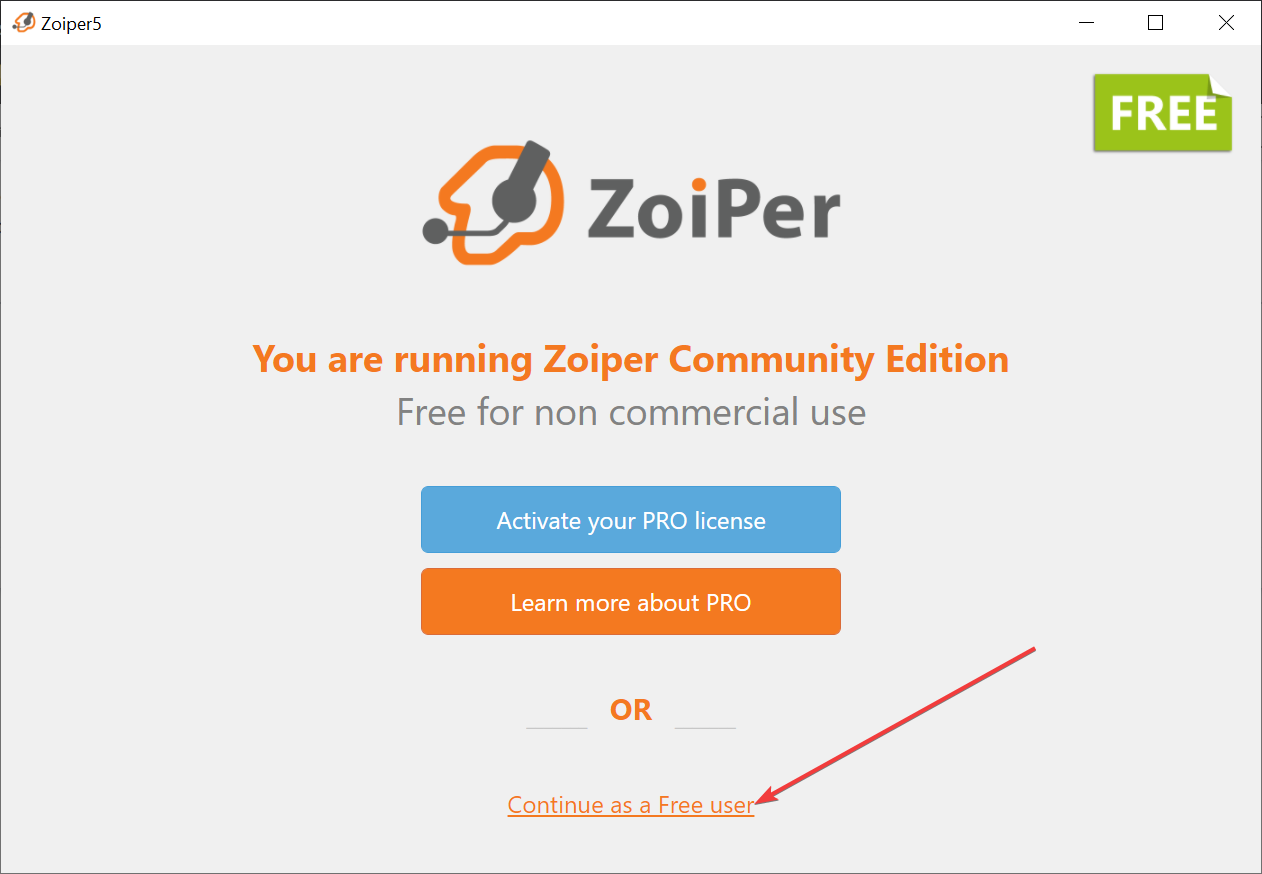
Select “Continue as a free user”
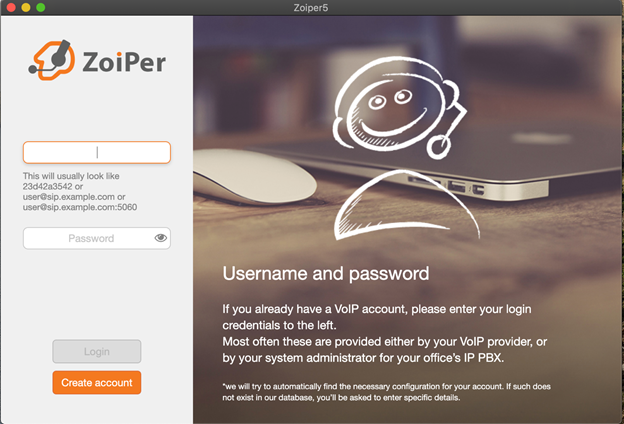
Username: yourextension@pbx.parkstreet.com
Password: You should have received this when you started at Park Street. If you do not know your password, please open a ticket here so someone can assist you.
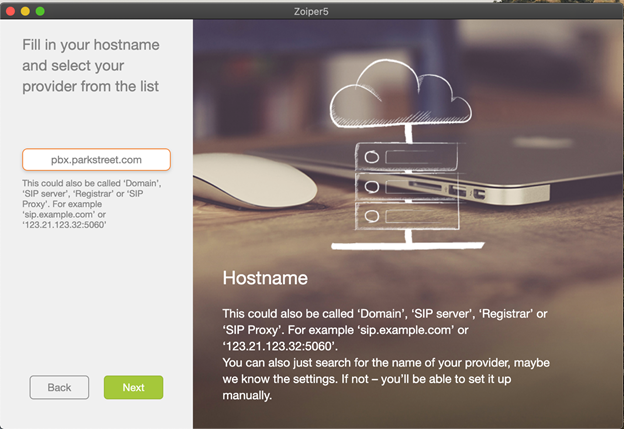
Hostname: pbx.parkstreet.com
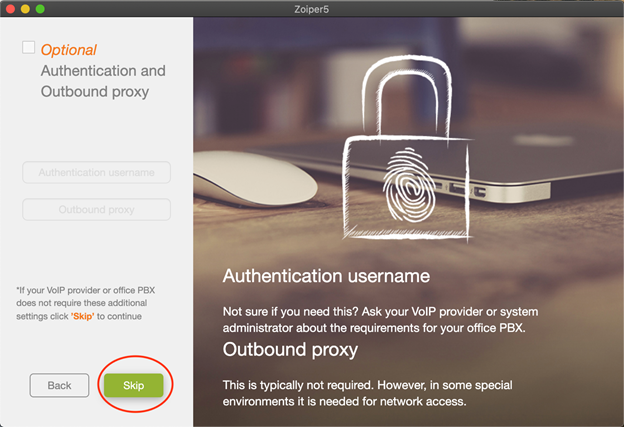
Skip this step if it asks
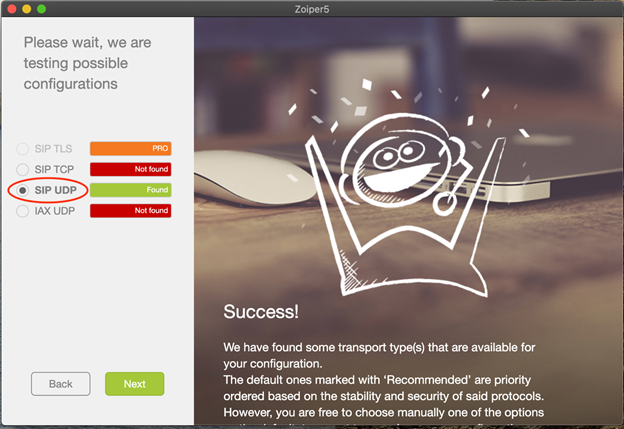
Select SIP UDP
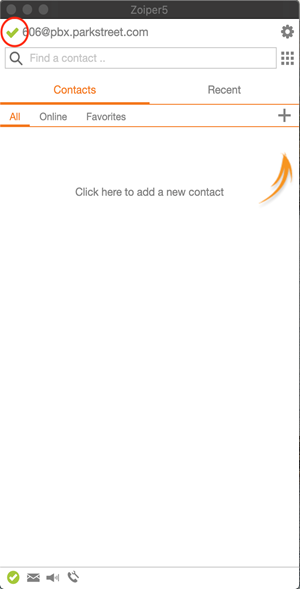
Once you see a green check this means your line is activated