1- Go to.

https://front.com/?utm_content=brand&utm_term=front&utm_campaign=ls_brand-front&utm_source=adwords&utm_medium=ppc&hsa_acc=8738266666&hsa_cam=12298535914&hsa_grp=117916485496&hsa_ad=563317738709&hsa_src=g&hsa_tgt=kwd-138238073&hsa_kw=front&hsa_mt=p&hsa_net=adwords&hsa_ver=3&gclid=CjwKCAjwt7SWBhAnEiwAx8ZLasmpZxH2LQhZ5tNMDmT-2QJ53IHL3633LLY4hkRbaLRQStsRfXSAuRoCkeAQAvD_BwE

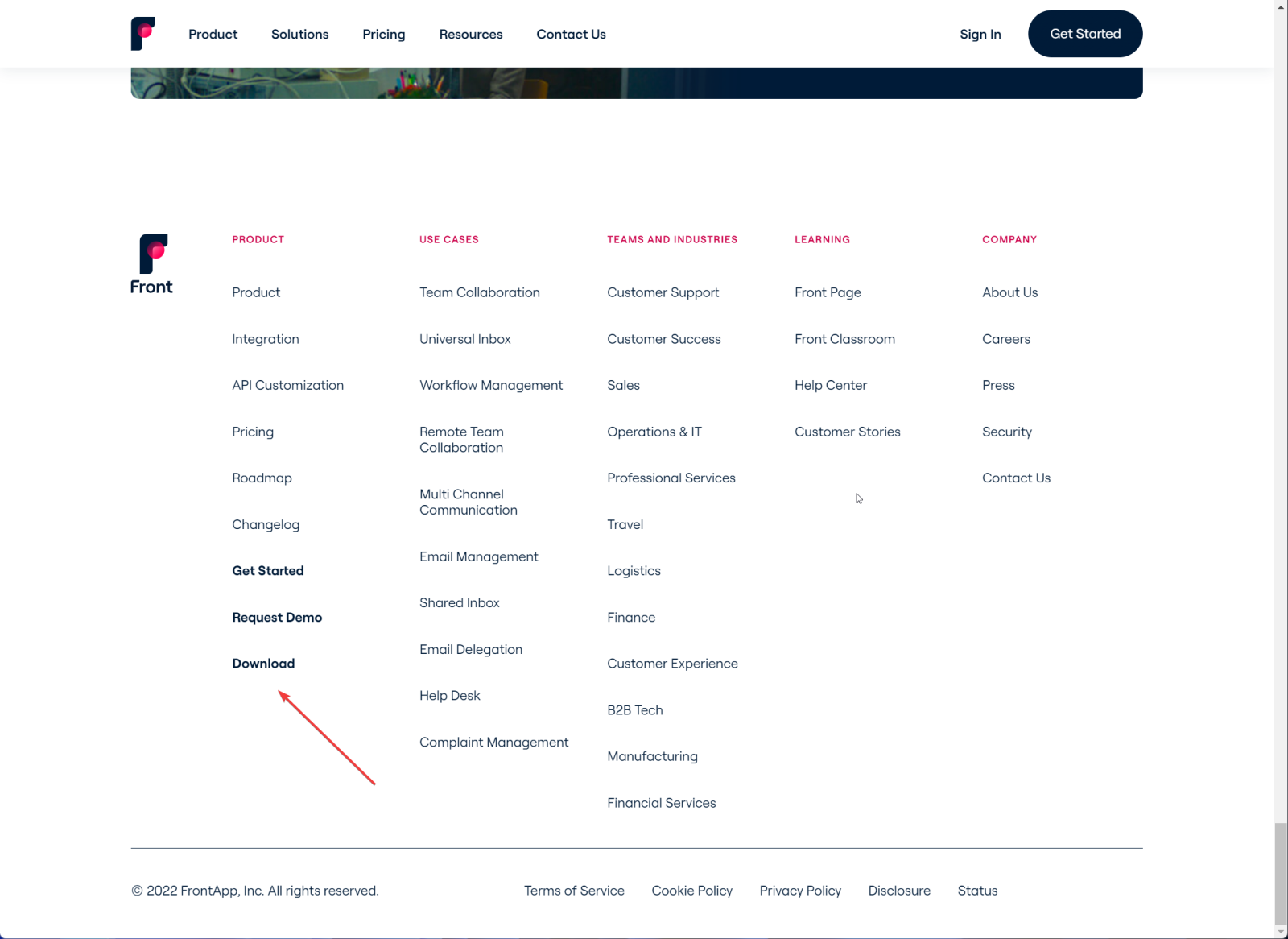
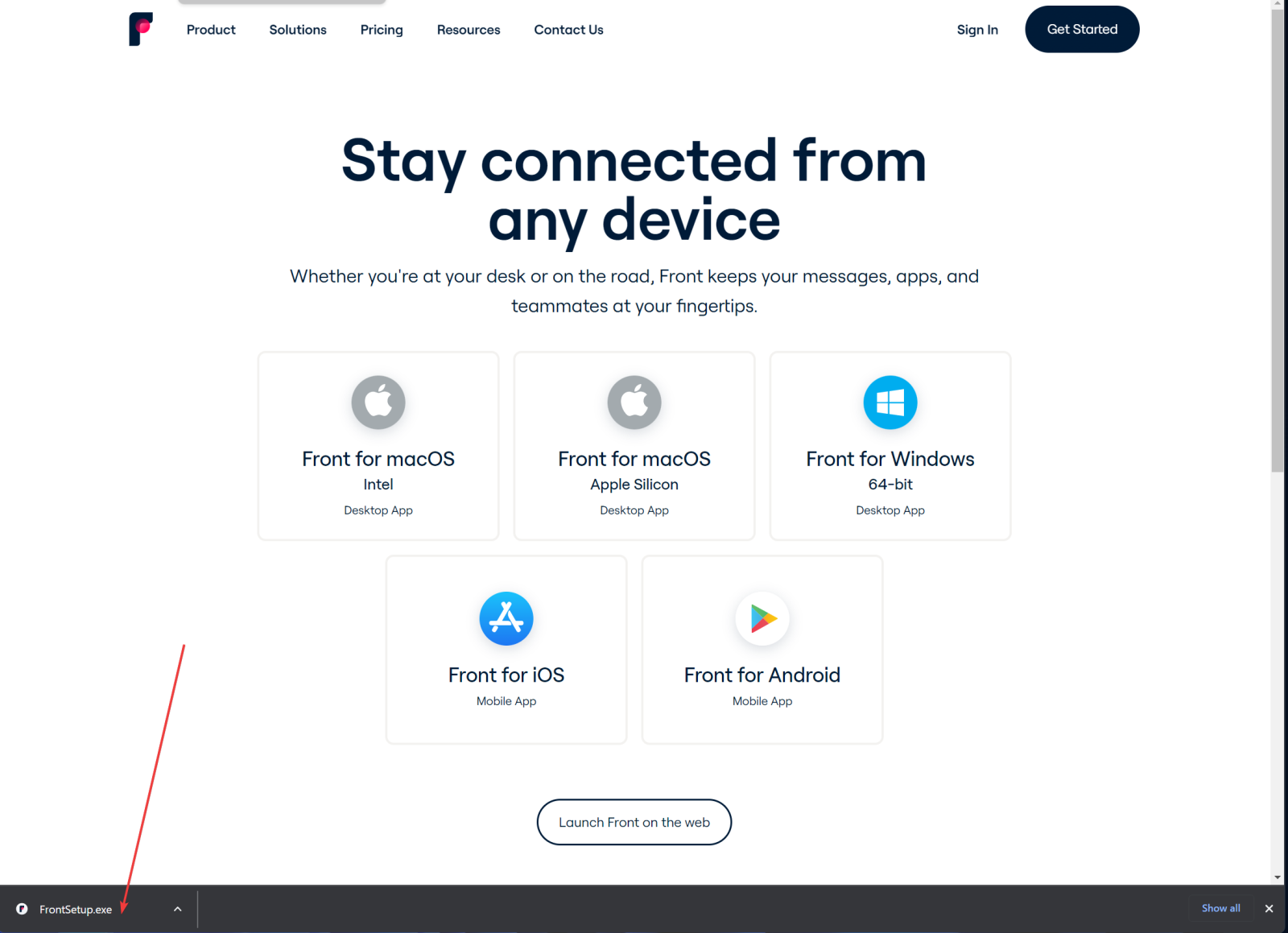
2-Go to the bottom of web page and click in donwload.
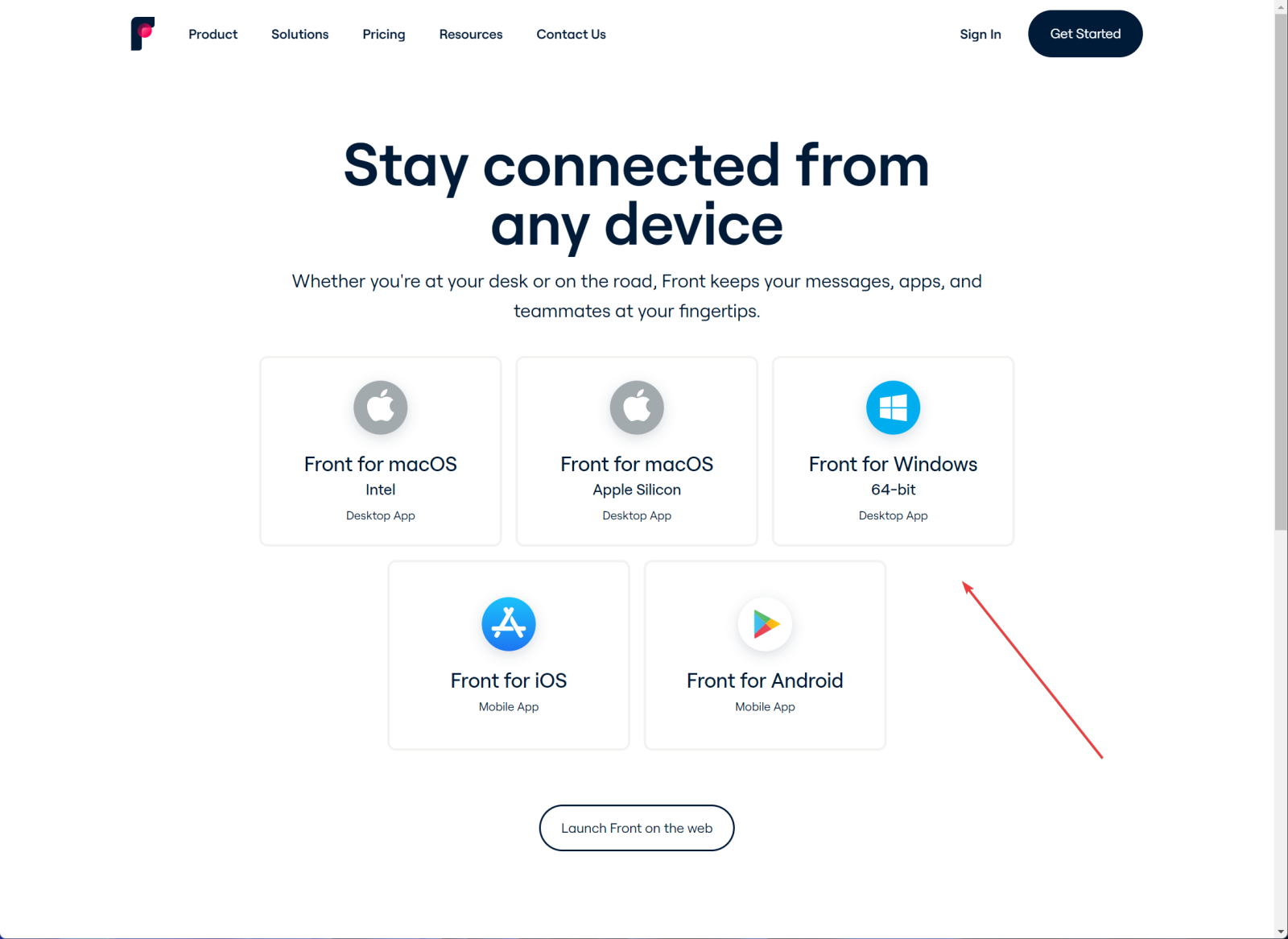
3- Select Front for Windows 64-bit (windows user only)
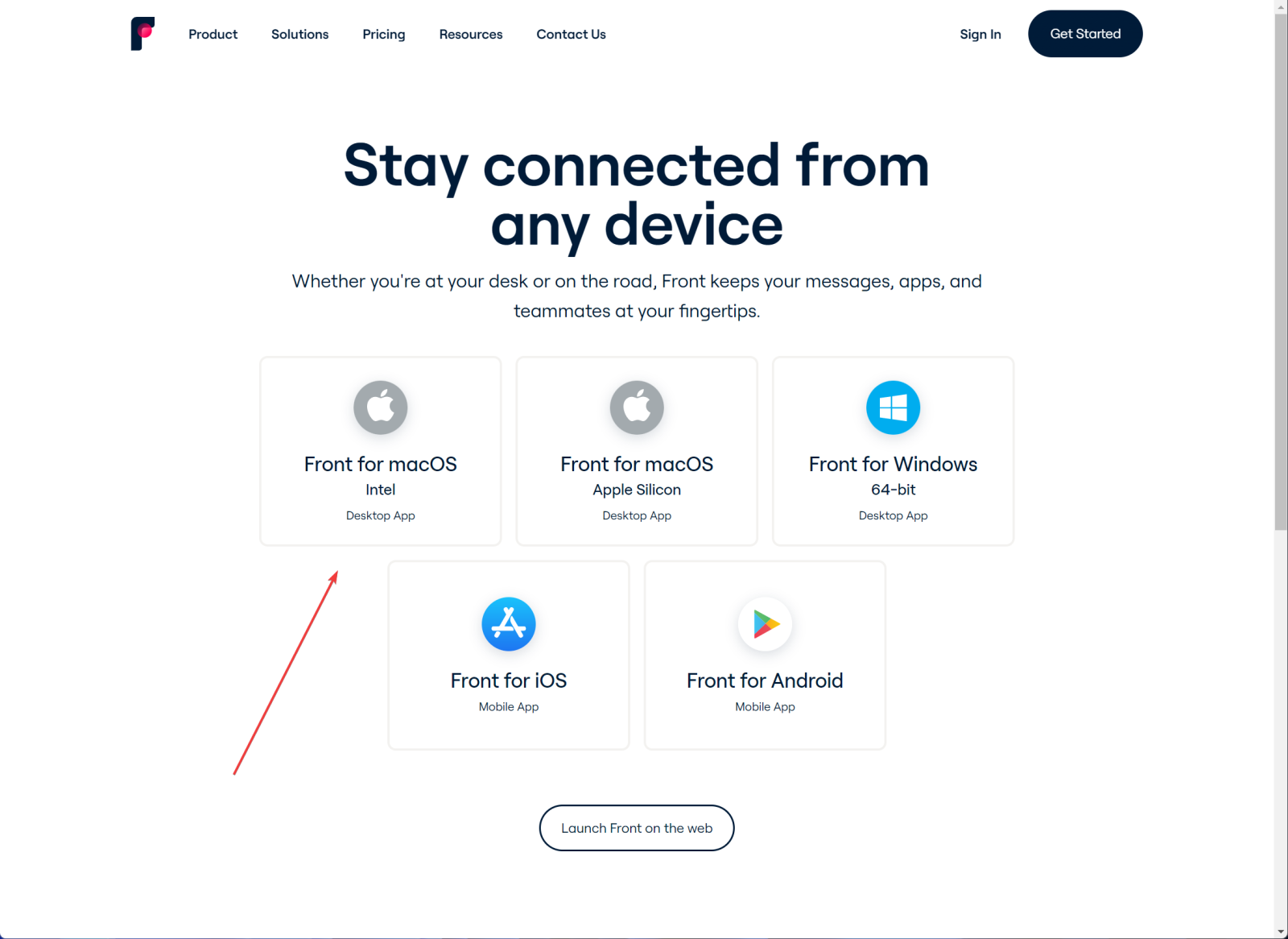
For Mac user select Front for macOS.
4- Run downloaded file.
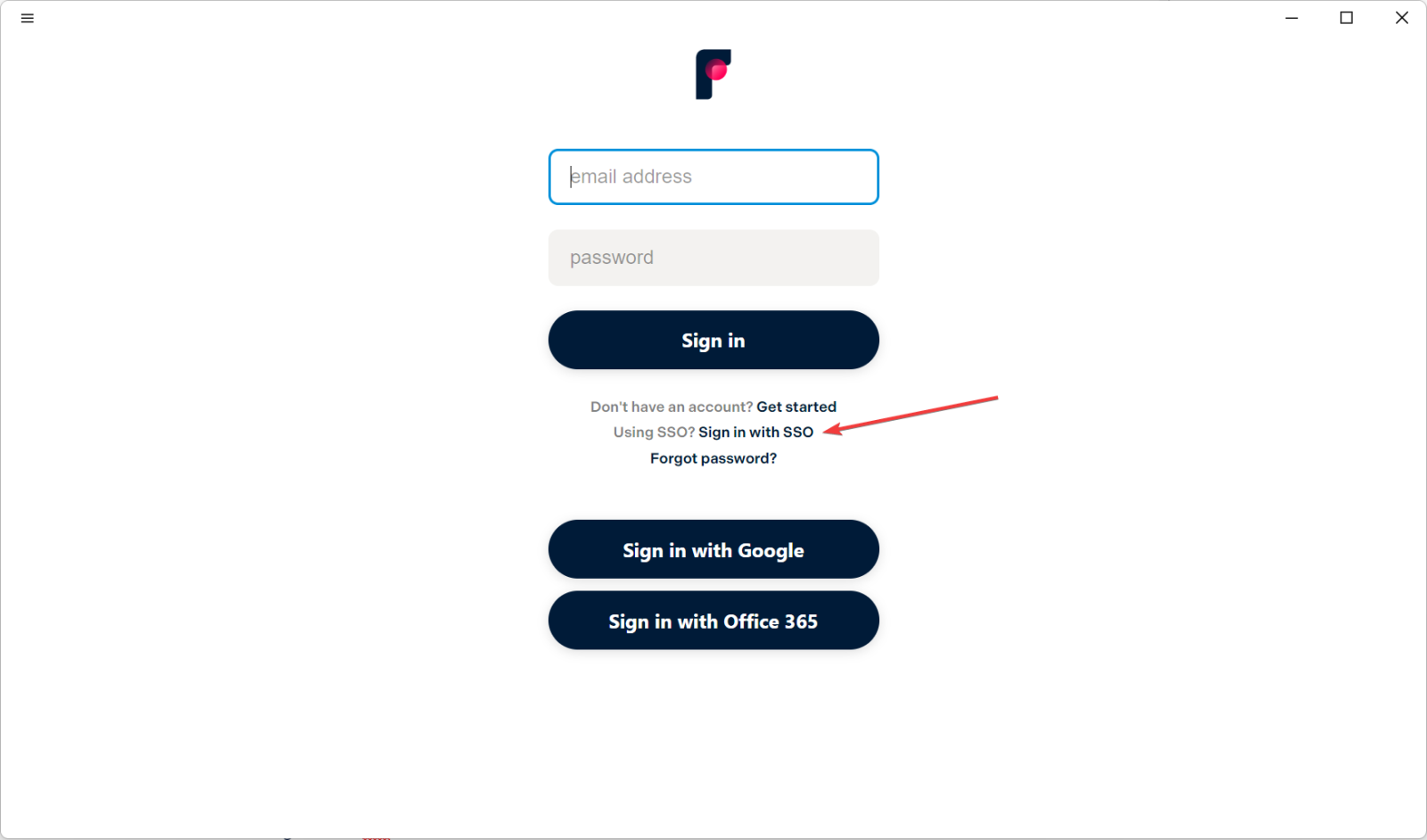
5-Sing In with sso.
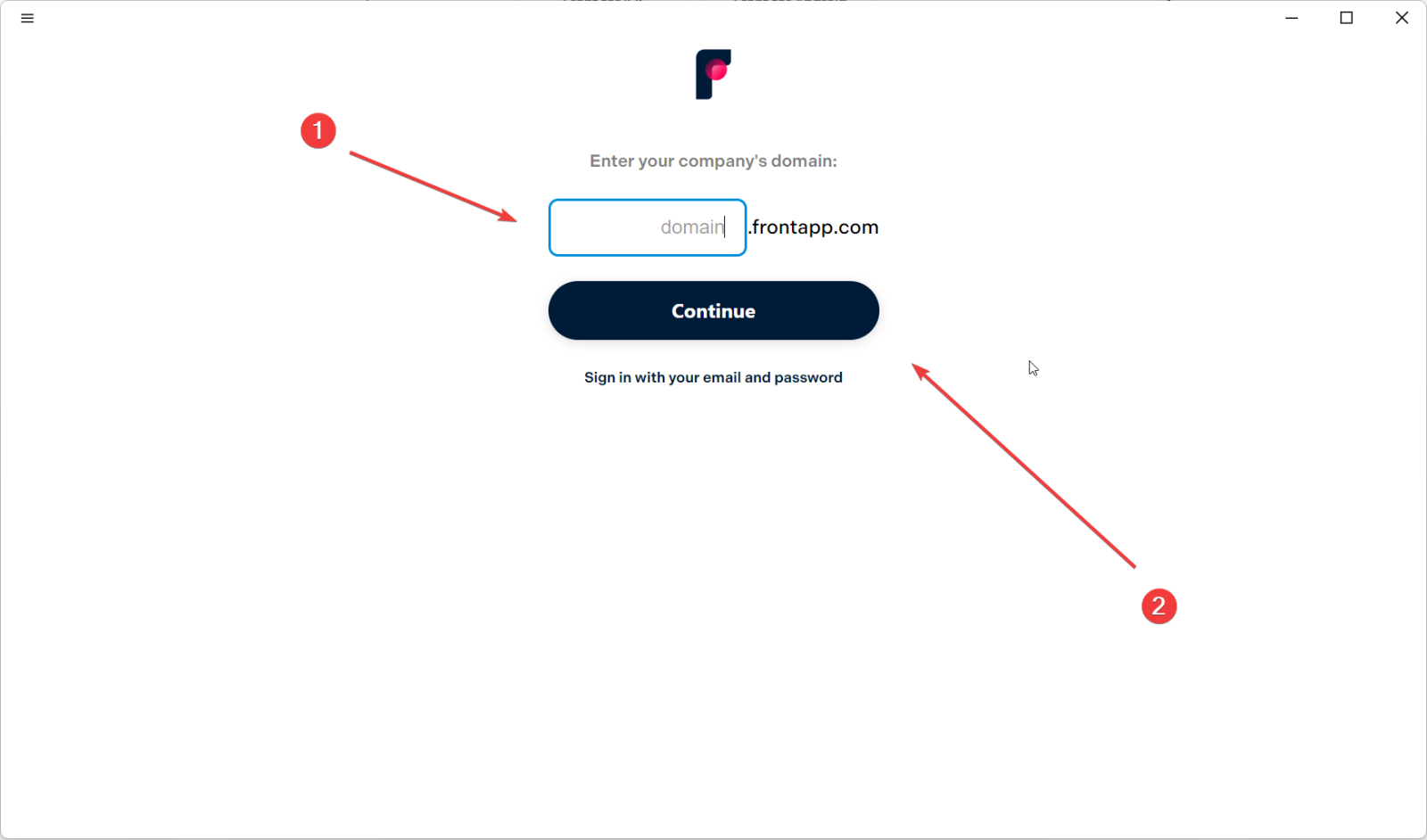
6- In the domain box write ( park-street-Imports ) and click continue.
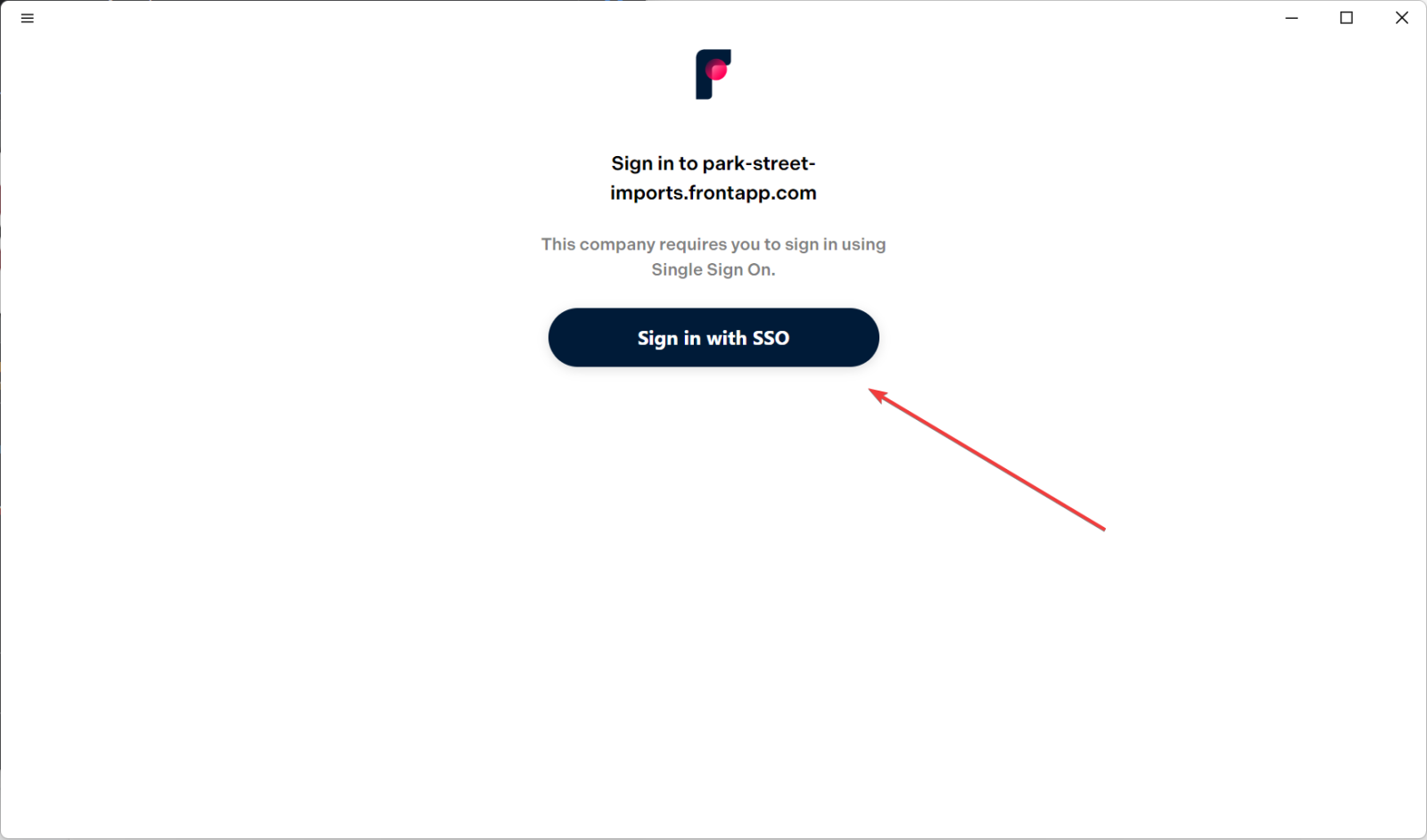
7- Click on Sign in with SSO
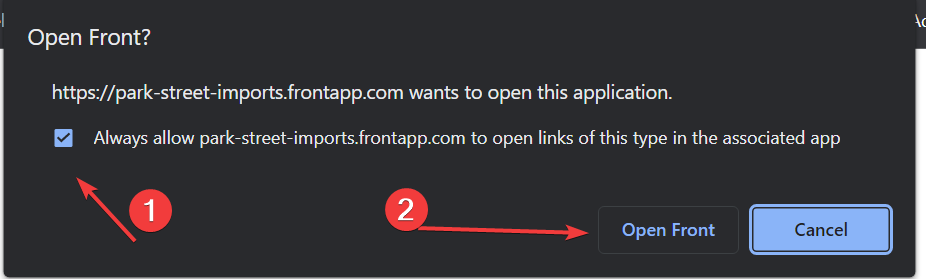
8- Check Always allow….. and click Open Front