- Right click on the audio icon in the lower left corner.
- Select Sounds from the context menu.
- Shift to the Recording tab at the top.
- Choose the default microphone device and then click on the Properties button at the bottom right.
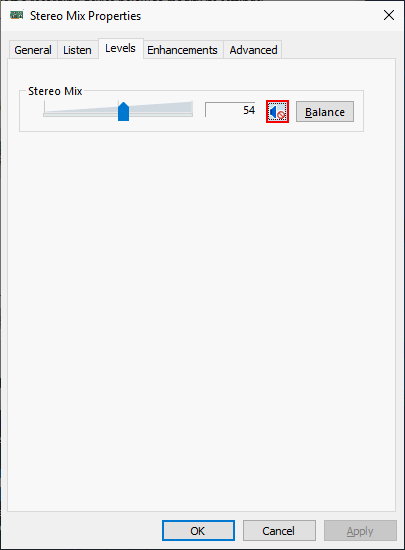
- Now, navigate to the Levels tab.
- If the volume icon shows your mic is muted, please click on it to unmute microphone.
- Click on the OK button to confirm and close the Properties window.
- Click OK again to close the Sound window.
- If the microphone device is not muted, you should move the volume slider to the right to increase the volume and then click OK.