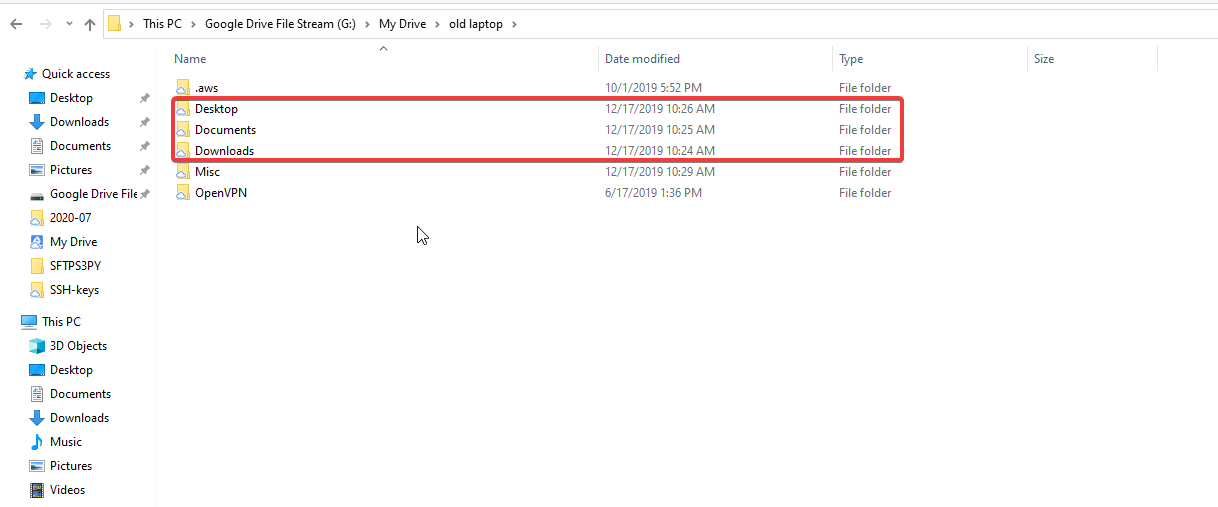
When backing up your workstation please remember the following:
Where do i store my files?
Where do i have my files auto saved?
How do i copy them all to Google drive without interrupting my work flow?
To accomplish this do the following
Look for where you have your files saved:
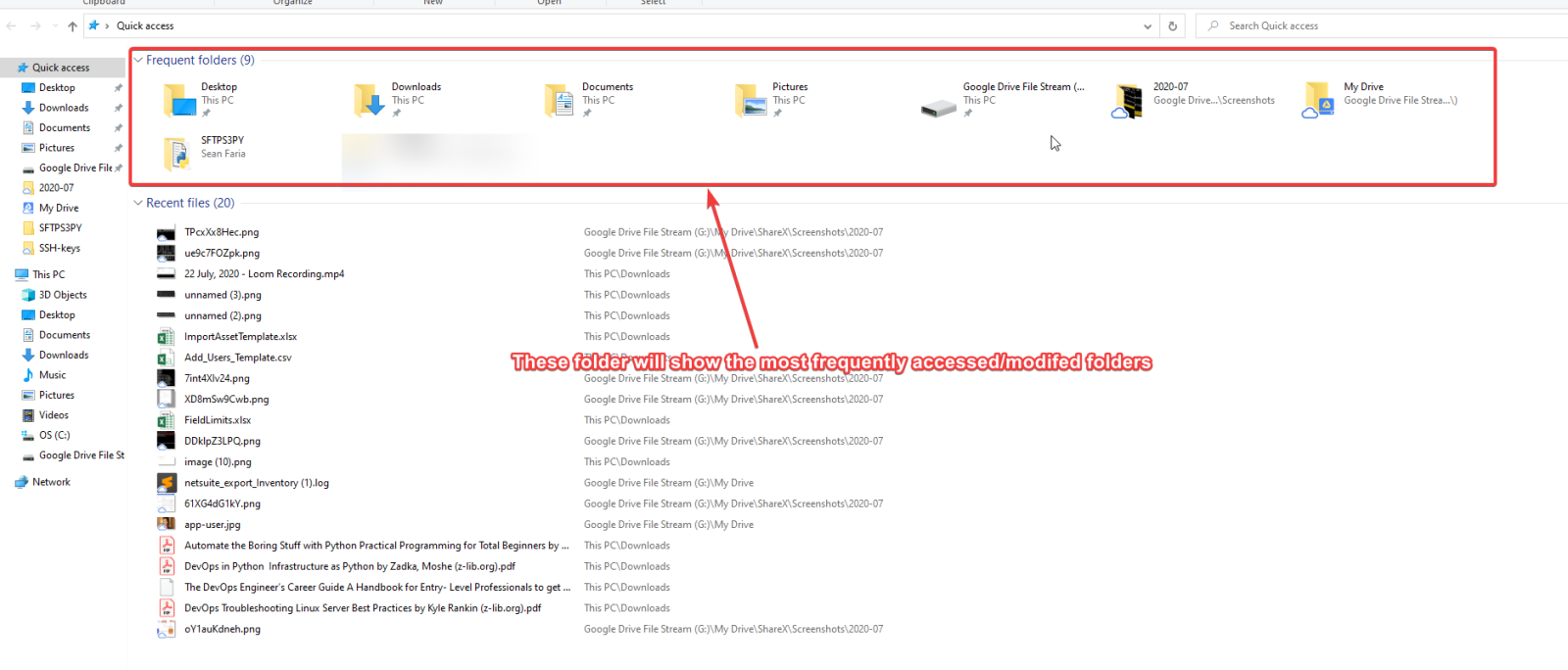
Note: Common places where files are saved are the Desktop, Documents and Downloads folder
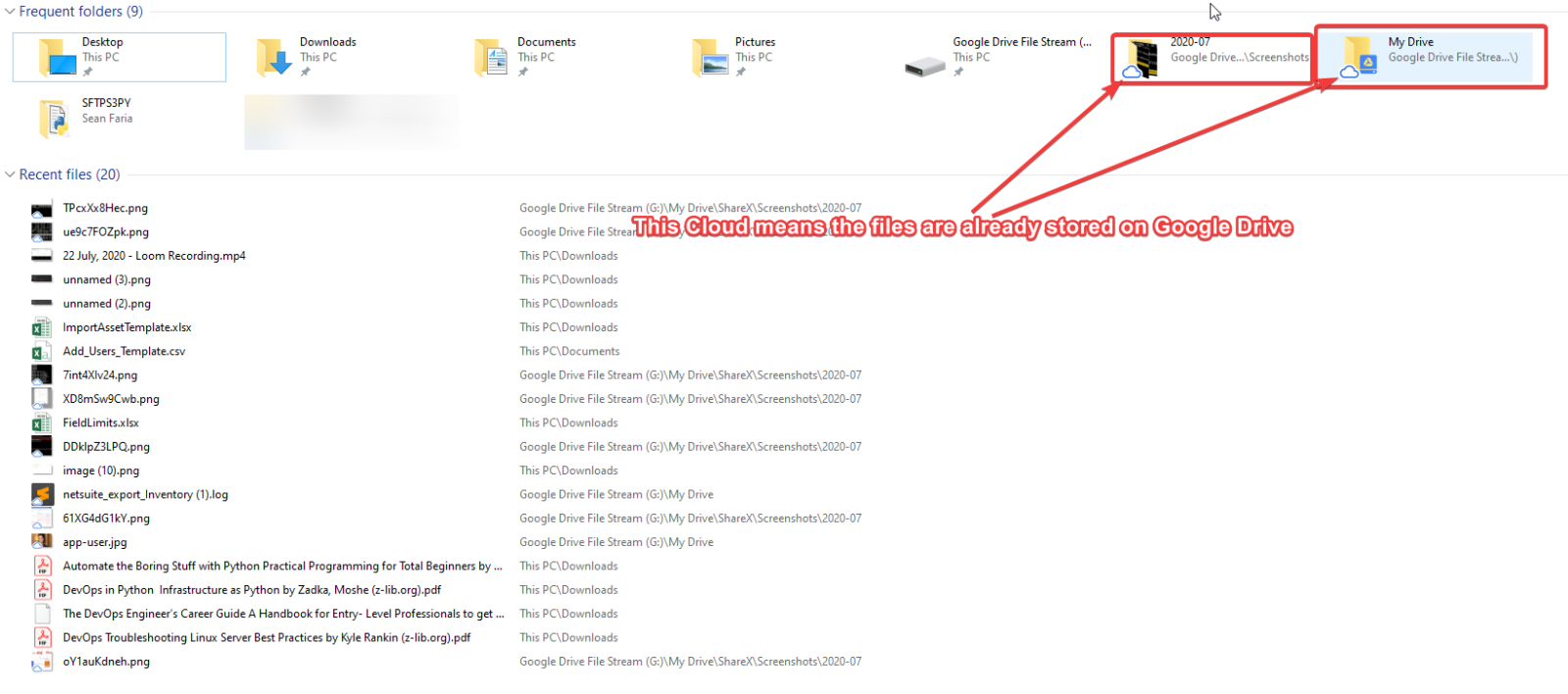
To easily migrate your files to Google drive just copy the entire folder:
For organization purposes i would suggest create a folder called “Old Laptop” or “Migrated” this folder should be created in “My Drive”. Remember My Drive is your personal Google drive folder and Shared Drive is a group drive or a Public Drive.
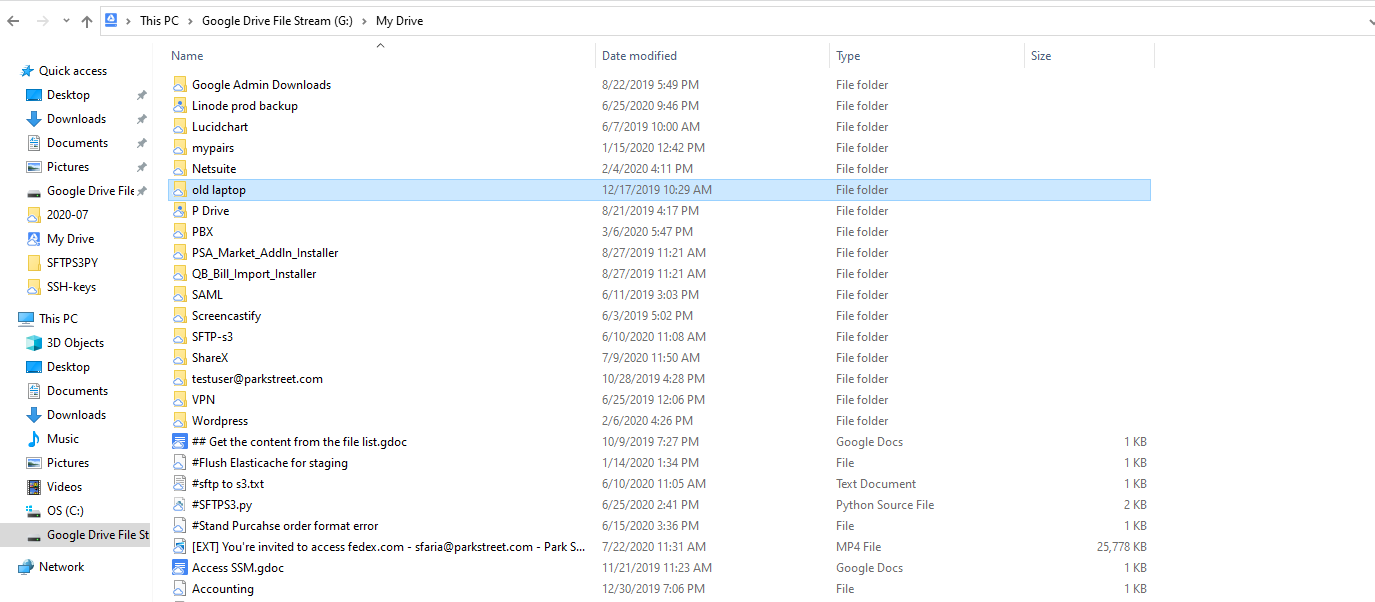
Here is the copied folder to “G:\My Drive\Old Laptop”