
There are two ways of changing your or resetting your password
1- Go to https://navigator.parkstreet.com/ and log in with your google account.
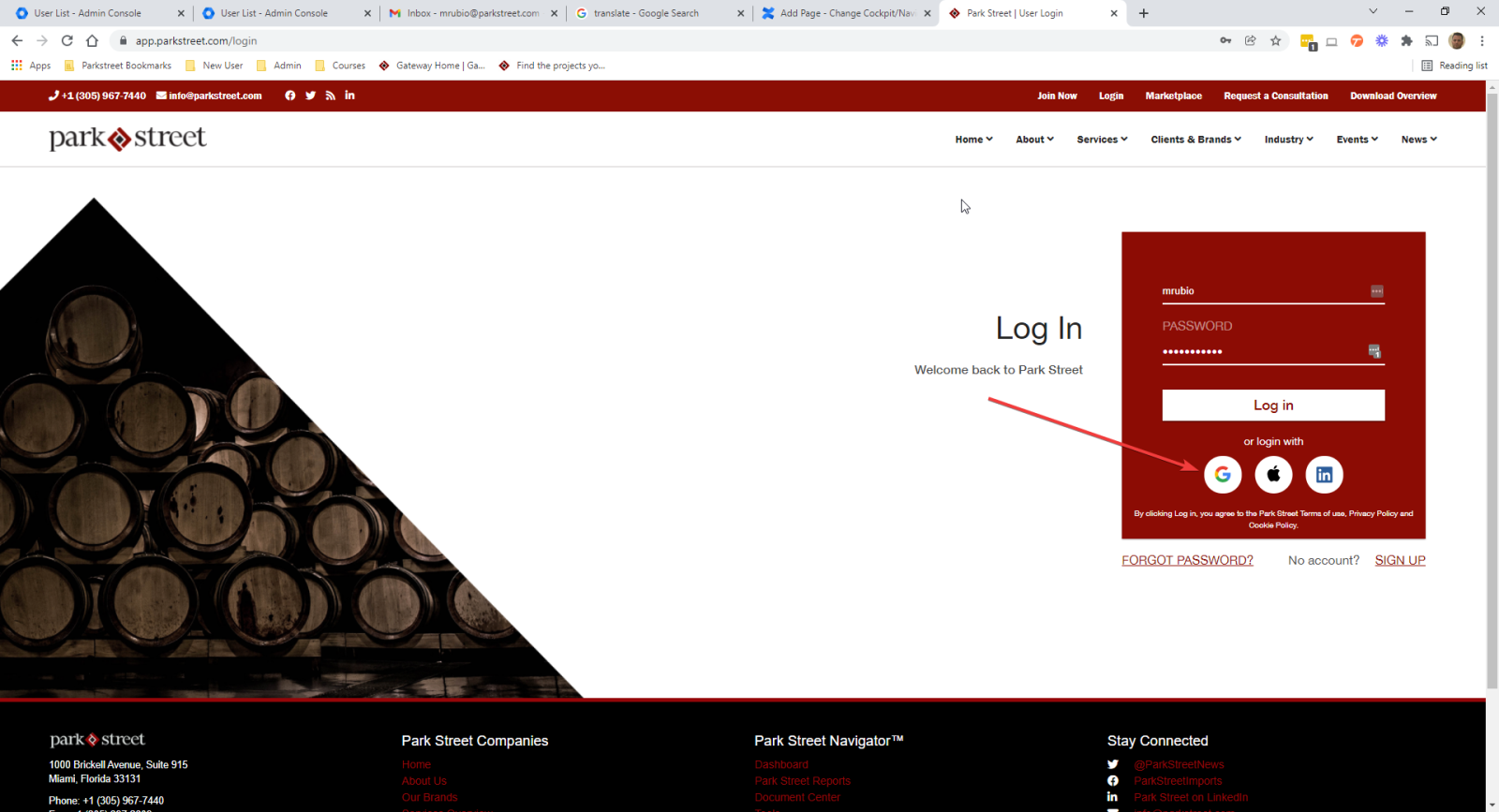
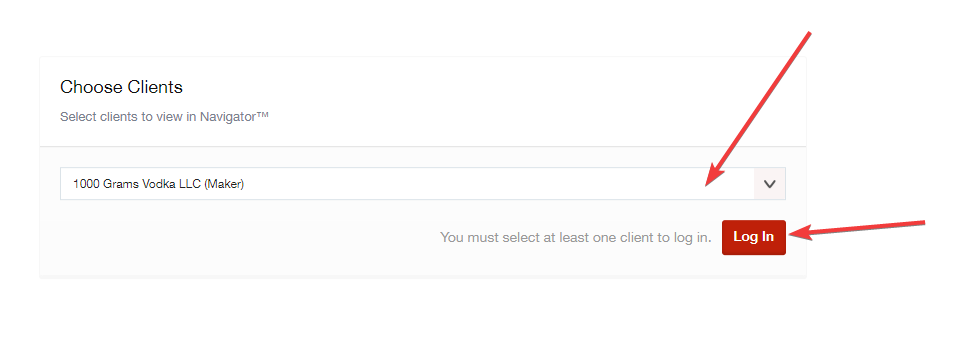
2- Choose a client and press log in.
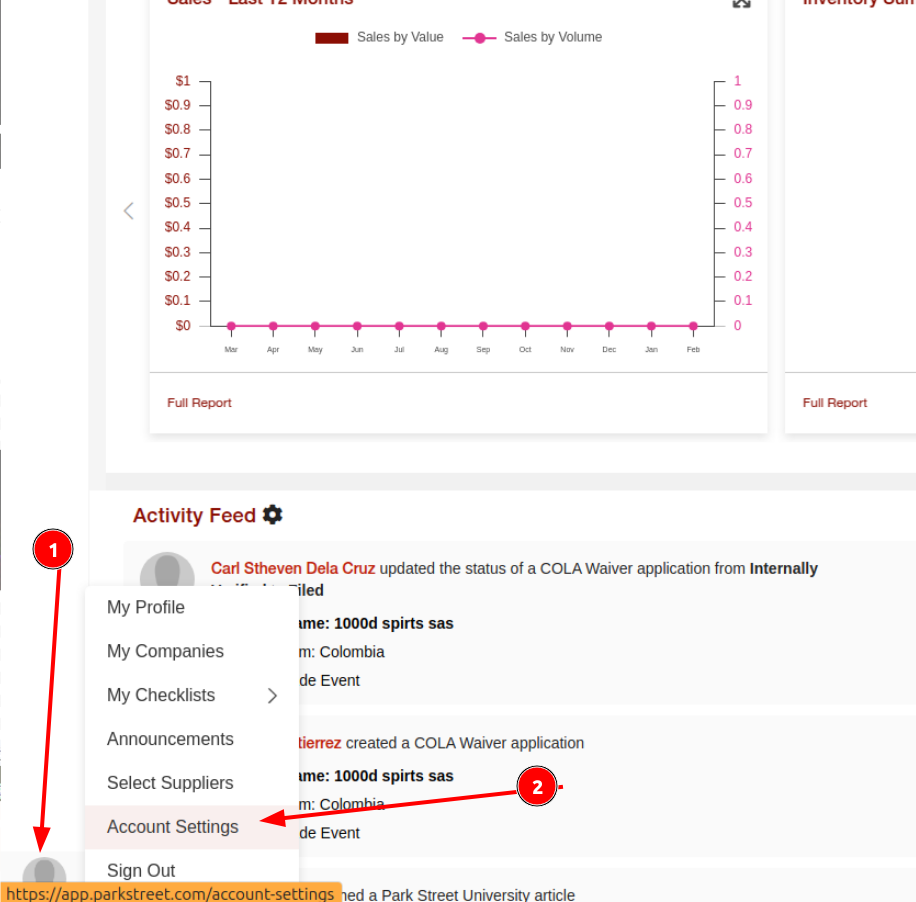
3- Go to the lower left corner and select your account name and then go to Account Settings.
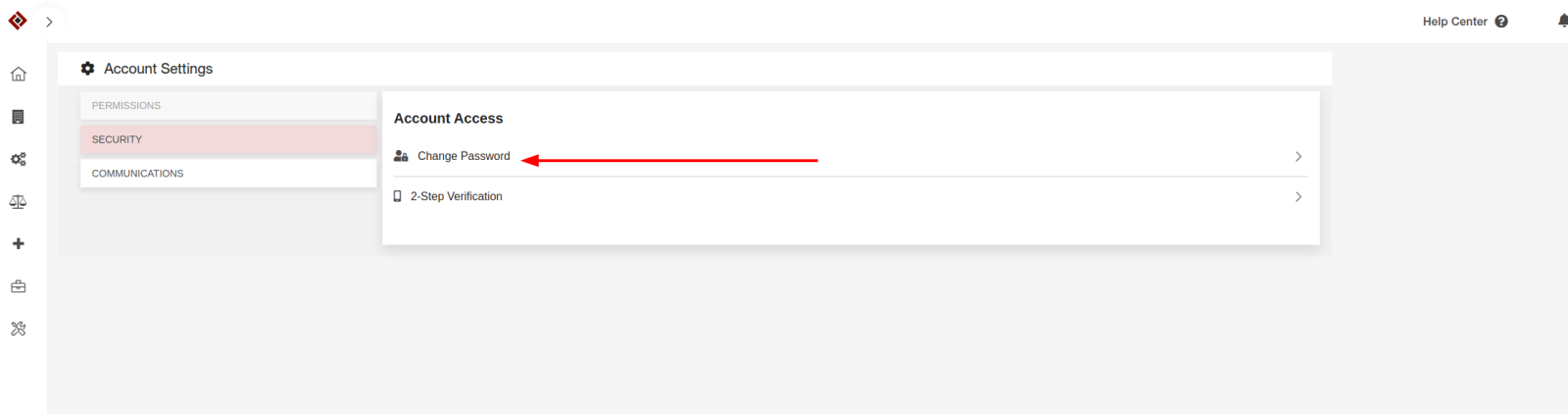
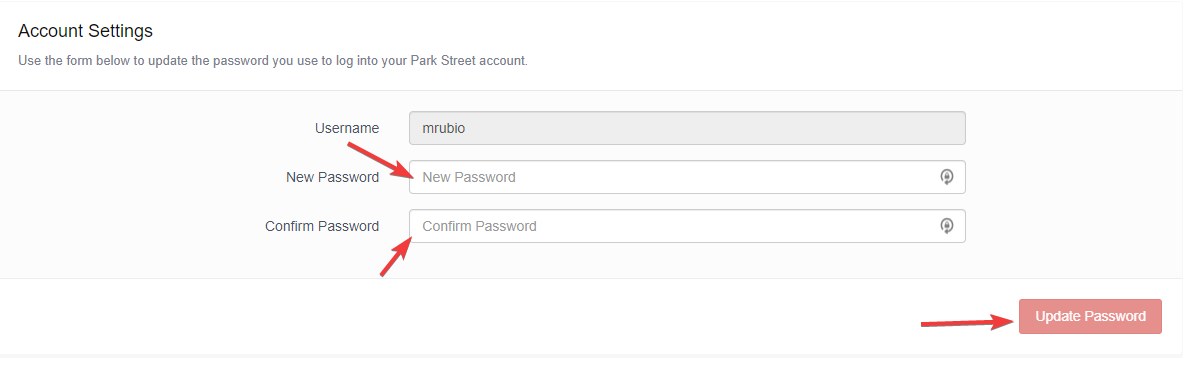
4- Type and confirm your password and then press Update Password.
5- Now your password will be updated from Cockpit and Navigator platform.