
- Step 1. Go to the navigator website Staging stgnavigator.parkstreet.com or Production navigator.parkstreet.com
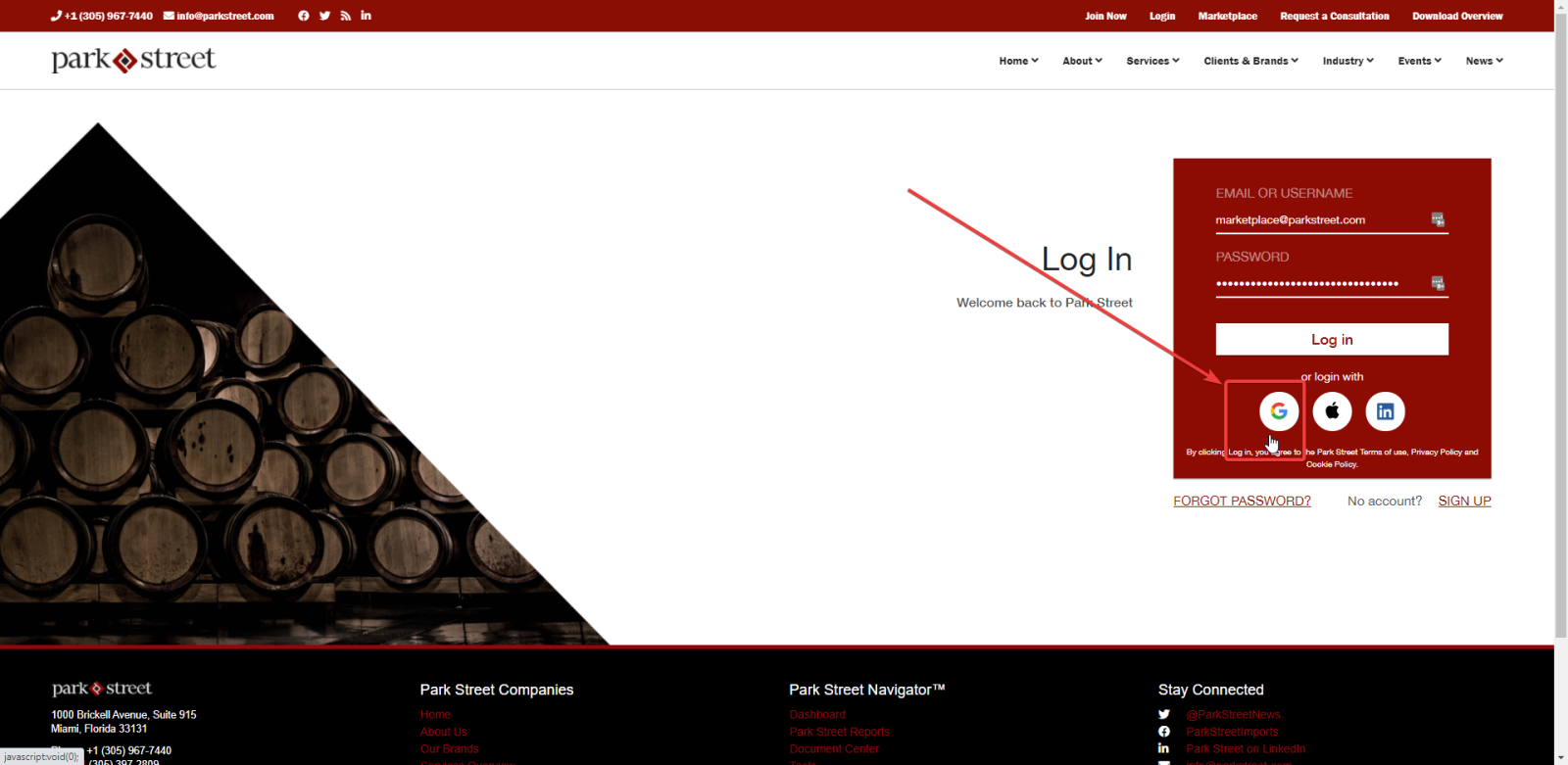
- Step 2. Select the google button:
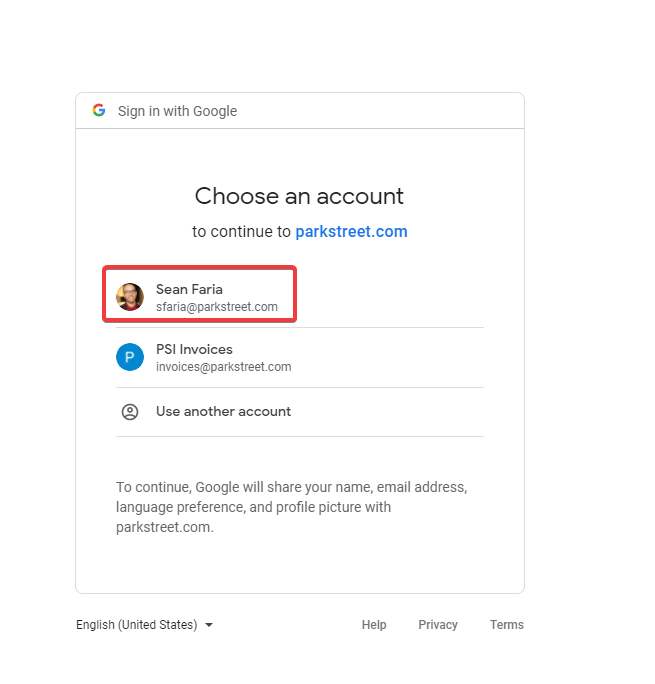
- Step 3. Select Park Street account:
- (Optional Cockpit only) Step 4: Now change to cockpit URL staging stgcockpit.parkstreet.com or production cockpit.parkstreet.com
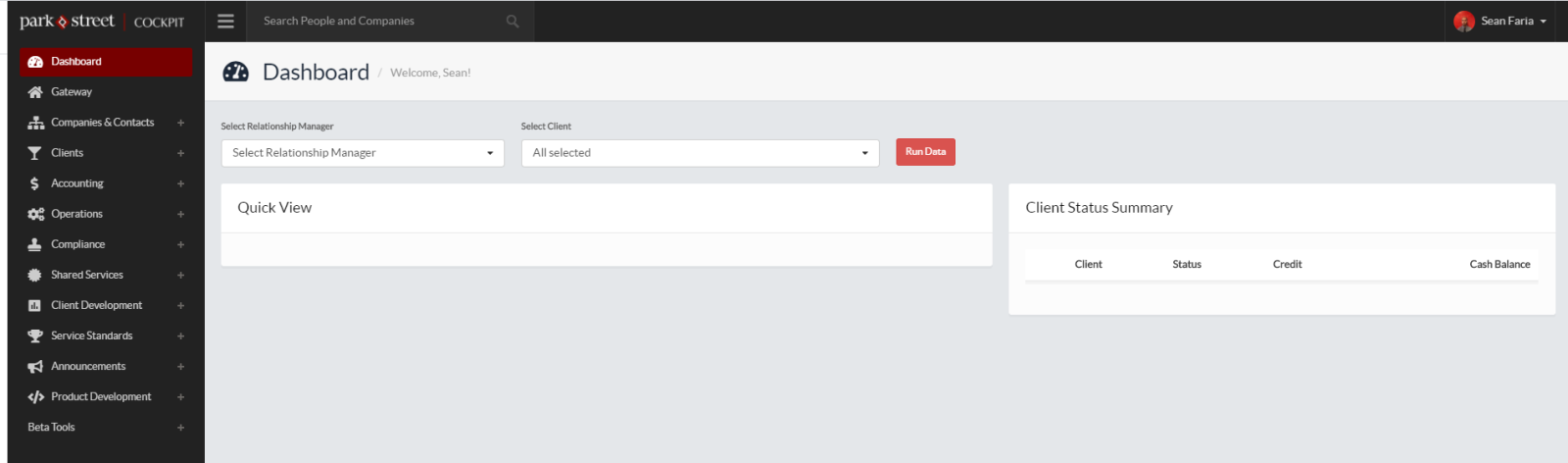
That’s it your logged in!